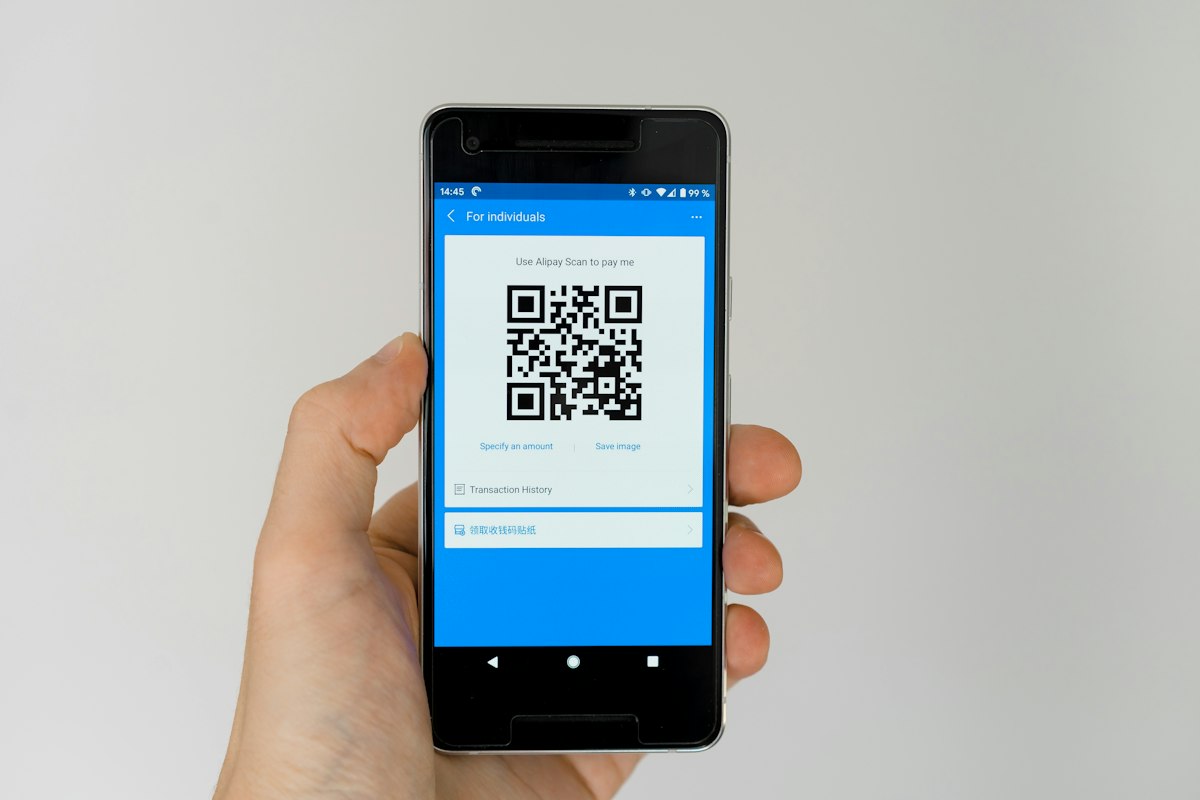
You've seen them everywhere - on restaurant tables, billboards, product packaging, and payment terminals. Those square, black-and-white pixelated patterns are QR codes, and they've become an essential bridge between the physical and digital worlds.
What Does QR Code Stand For?
QR code full form is Quick Response. If you ever wondered 'what is QR code full form?', this is it. A QR code (full form: Quick Response) is a two-dimensional barcode that stores data. The name reflects the original goal of its inventors: to create a code that machines could read and decode very quickly - much faster than traditional barcodes.
A Brief History
QR codes were invented in 1994 by Masahiro Hara and the Denso Wave team in Japan. The automotive industry needed a way to track parts during manufacturing more efficiently than traditional barcodes allowed. A barcode holds information horizontally (one dimension), but a QR code stores data both horizontally and vertically - making it a two-dimensional (2D) barcode.
This two-dimensional structure allows QR codes to hold significantly more data. While a standard barcode holds around 20-100 characters, a QR code can store up to 7,089 numeric characters or 2,953 alphanumeric characters.
QR codes remained niche for nearly two decades. The rise of smartphones with built-in cameras in the 2010s, followed by the contactless demands of the COVID-19 pandemic in 2020, catapulted QR codes into mainstream use.
How Does a QR Code Work?
A QR code stores data in a grid of black and white squares (modules). When you use a QR scanner online, URSA QR scanner, or your smartphone camera to scan a QR code, the scanner:
- Locates the code using the three large squares at the corners (position markers)
- Reads the pattern of modules from bottom-right upward in a zigzag pattern
- Decodes the binary data into readable information - a URL, text, contact details, or Wi-Fi credentials
- Triggers an action, such as opening a website, downloading a file, or connecting to a network
The entire process takes roughly 0.1 seconds on modern smartphones.
Parts of a QR Code
Every QR code contains several structural elements:
- Position markers - The three large squares at the corners that help the scanner identify the code's orientation
- Alignment pattern - A smaller square that helps with scanning on curved surfaces
- Timing pattern - Alternating modules that help determine the code's size
- Quiet zone - The blank margin around the code that separates it from other visual elements
- Data modules - The actual encoded information
- Error correction modules - Redundant data that allows scanning even if part of the code is damaged
Static vs Dynamic QR Codes
There are two main categories of QR codes:
Static QR Codes
Static QR codes contain the data directly embedded in their pattern. Once created, the data cannot be changed. Static codes are permanent, cannot be tracked, and work offline. They're ideal for personal use, one-time campaigns, or when the destination URL will never change.
Dynamic QR Codes
Dynamic QR codes store a short URL that redirects to the actual destination. This allows you to change the destination even after the QR code has been printed. Dynamic codes are trackable - you can see how many scans, locations, devices, and times of day people scanned. They're essential for marketing campaigns where you may need to update links or analyze performance.
Are QR Codes Safe?
QR codes themselves are neutral technology - they simply store and present information. However, because anyone can create a QR code, there are genuine security concerns to be aware of.
Common threats include:
- Quishing (QR code phishing) - Malicious QR codes that redirect to fake login pages or download malware
- Tampered codes - Stickers placed over legitimate QR codes in public places like parking meters or restaurant tables
- Fake payment pages - Scammers create QR codes that lead to fraudulent payment portals
How to stay safe: Always preview the URL before opening it. Most smartphone cameras show the link before you tap. Avoid scanning QR codes from unknown sources, especially in public spaces where stickers could be tampered with. Use a QR code generator you trust, like URSAQR, where everything runs in your browser.
What Types of Data Can QR Codes Store?
QR codes are incredibly versatile. They can encode:
- Website URLs
- Plain text and messages
- Contact information (vCard)
- Email addresses and subject lines
- Phone numbers (dial instantly)
- SMS messages (pre-filled)
- Wi-Fi network credentials
- App download links (App Store / Google Play)
- PDF documents and images
- Social media profiles
- Cryptocurrency wallet addresses
Conclusion
QR codes are a powerful, versatile technology that connects physical objects to digital experiences. They're fast, easy to create, and increasingly essential for modern marketing, payments, and information sharing. While security risks exist, they're easily mitigated with basic awareness and by using trusted QR code generators.
Looking for a QR code generator free tool? URSAQR is a free QR code generator - it's free, no sign-up required, and everything runs in your browser.