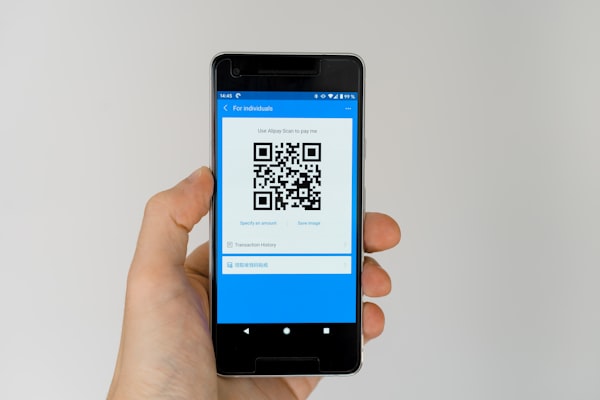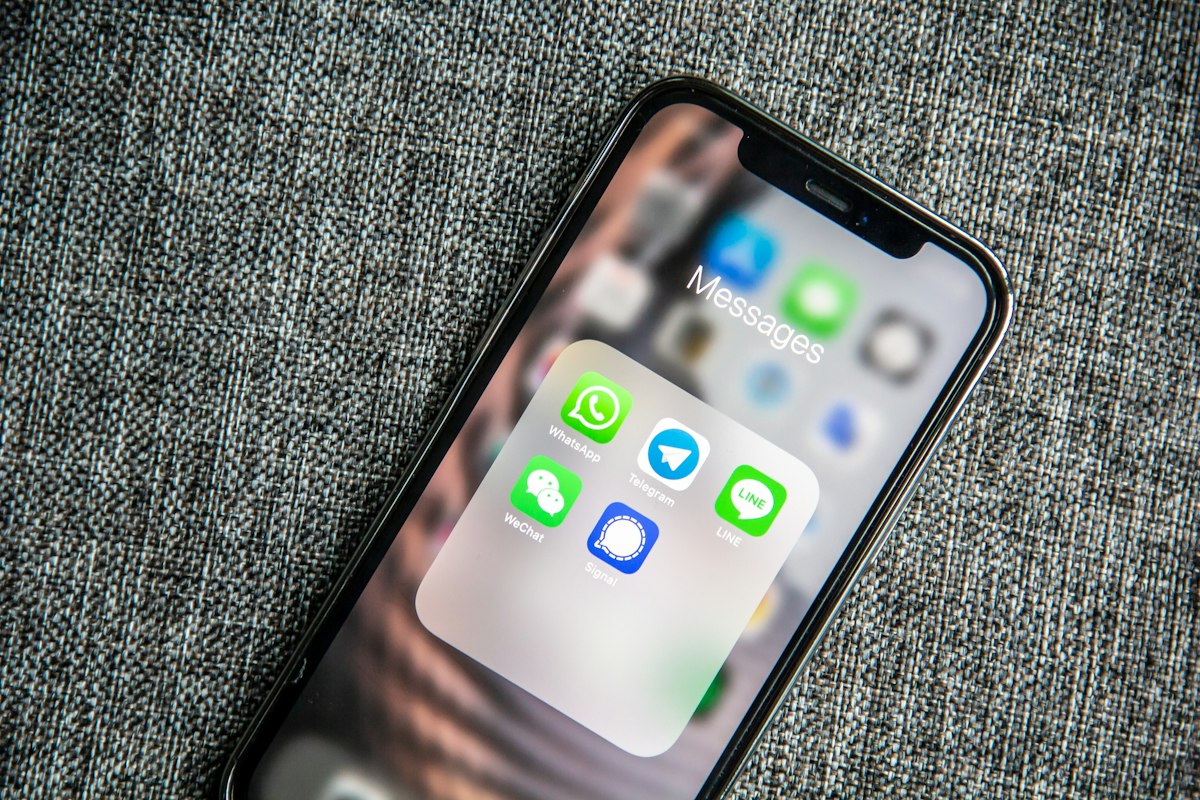
Text messaging remains one of the most direct ways to reach someone. An SMS QR code takes that immediacy and puts it behind a single scan - no typing, no searching for a contact, no copying a number.
What Is an SMS QR Code?
An SMS QR code encodes an sms: URI scheme that contains a phone number and an optional pre-filled message body. When scanned, it opens the device's default messaging app with the recipient and message already filled in. All the user has to do is tap send.
The underlying format is straightforward: sms:+1234567890?body=Hello%20there. The QR code stores this URI, and the smartphone OS handles the rest. This works on both Android and iOS without any additional app.
Why Use an SMS QR Code?
SMS QR codes offer several advantages over other call-to-action methods:
- Immediate engagement - the user is one tap away from sending a message. No form fills, no email composition, no navigation.
- Higher open rates - SMS messages have open rates above 90%, often within minutes of delivery. Email averages closer to 20%.
- No app download needed - every phone has a built-in messaging app. There's no barrier to entry.
- Works offline - the QR code itself doesn't need an internet connection to be scanned. The URI is processed locally by the phone.
- Trackable - when paired with a dedicated short code or keyword, you can measure campaign performance.
Best Use Cases
SMS QR codes are versatile across industries. Here are some of the most effective applications:
- SMS marketing opt-ins - place an SMS QR code on posters, flyers, or receipts. Scanning it sends a pre-written "Subscribe" message to your marketing number.
- Contest entries ("Text to win") - run a giveaway where entrants scan a code to send a keyword. No web form needed.
- Appointment confirmations - patients or clients scan to confirm or reschedule via text.
- Donation campaigns - nonprofits can use SMS QR codes for one-time donation pledges or recurring giving sign-ups.
- Customer support - a QR code on a product or receipt opens a pre-addressed support number with the product name in the message body.
How to Generate an SMS QR Code
Creating an SMS QR code takes less than a minute. Follow these steps:
- Choose the SMS type - open the URSAQR generator and select the SMS QR code option.
- Enter the phone number - include the country code (e.g., +1 for US numbers). The number is required and must be valid.
- Add an optional message body - type the text you want pre-filled. Keep it concise and action-oriented.
- Customize the design - choose colors, add your logo, and pick a template style that matches your brand.
- Test the scan - always scan the code with your own phone to verify it opens the messaging app with the correct number and message.
- Download and deploy - download the QR code in PNG or SVG format and add it to your print or digital materials.
Pre-filling the Message Body
The message body is optional but powerful. A pre-filled message saves the recipient even more effort and increases the likelihood they'll follow through. Examples include:
- "Enter to win! Text CONTEST to 555-1234"
- "Hi, I'd like to schedule an appointment."
- "Start my free trial - code FREETRIAL"
For keyword-based automation, the pre-filled body acts as the trigger. Marketing platforms can read the incoming keyword, route the user to the right list, and send an automated reply. This makes SMS QR codes a powerful bridge between offline materials and automated marketing flows.
Conclusion
SMS QR codes combine the universality of text messaging with the convenience of QR scanning. They remove friction from the most common marketing and communication actions, driving higher response rates and better user experiences. Whether you're running a contest, collecting opt-ins, or streamlining customer support, an SMS QR code puts your message one scan away.
Ready to create one? URSAQR is a free QR code generator with SMS support - no sign-up, no hidden costs.